The 90-Second Open-Box Inspection That Saves You Hundreds (And the Parts You Should Never Buy Used)
Photo: Daderot, CC0, via Wikimedia Commons
There's a shelf at your local Micro Center — or a dusty corner of the Best Buy geek aisle, or a Newegg listing with a suspiciously cheerful 'OPEN BOX - SAVE $180!' badge — where PC parts go to get a second chance at life. These are open-box items: returned, display, or slightly-dinged products that retailers can't legally sell as new. And here's the banana-flavored truth: open-box is the single best-kept secret in PC building. It's also a great way to end up with a $600 graphics card that smells faintly of someone else's regret if you don't know what you're doing.
Let's fix that.
Why Open-Box Exists (And Why It's Your Friend)
Retail return policies in the US are absurdly generous. People buy GPUs, realize they can't afford rent, and return them within 30 days. Monitors get purchased for a single tax-season project and sent back. Retailers can't resell these as 'new,' so they slash prices 15–40% and hope someone like you — someone with a screwdriver and a dream — comes along.
The catch? Returns include both 'I opened it and put it back' units AND 'I ran this thing into the ground for 29 days' units. Your job is telling them apart.
The 90-Second Inspection Checklist
If the item is physically in front of you, run this drill:
Seconds 1–15: The Box Audit. Check that everything on the spec sheet's 'in the box' list is present. Missing DisplayPort cables, power adapters, and warranty cards are common. Missing screws or a GPU's support bracket means someone got creative.
Seconds 16–40: The Physical Exam. Look for scuffs on connectors (a sign of heavy plugging/unplugging), dust caked into heatsink fins (a sign of heavy use), yellowed or brittle cables, and fingerprints in places fingerprints shouldn't be. On monitors, dead pixel test on your phone before you leave the store. Yes, they'll let you. Yes, it's awkward. Do it anyway.
Seconds 41–70: The Serial Number Cross-Check. Match the serial on the box to the serial on the unit. Mismatches happen more than you'd think, and they can void warranty coverage instantly.
Seconds 71–90: The Warranty Math. Ask what the return window is. Most US retailers give you 14–30 days on open-box. That's your safety net — more on that below.
What's a Safe Gamble vs. What's a Landmine
Generally safe:
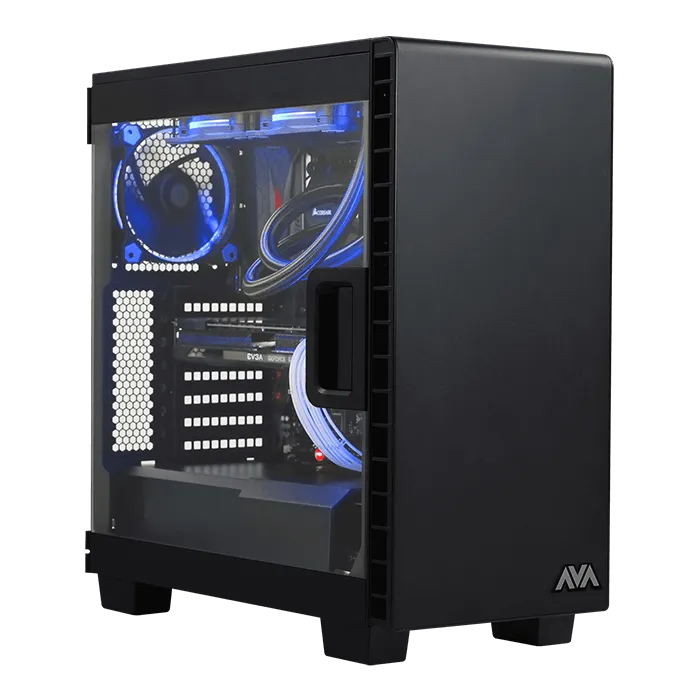
- Cases. Worst case scenario (pun absolutely intended), you've got a dented box with good airflow. Cosmetics are cosmetic.
- Monitors. Display units have low hours and pixels either work or they don't — easy to verify on the spot.
- GPUs from reputable brands. Risky-adjacent, but most cards that survive a return cycle are fine, and the savings can be $100+.
- Peripherals and keyboards. Low stakes, easy to test.
Landmines — walk away:
- AIO coolers. You cannot inspect the pump. A failed pump discovered two weeks later is a liquid-cooling disaster with your CPU as collateral.
- PSUs. A degraded power supply doesn't announce itself until it takes your components down with it. A $40 savings is not worth a $1,200 funeral.
- Anything with visible dust inside the heatsink or fans. That's not 'display wear.' That's a mining-rig veteran.
The Return Window Is Your Real Warranty
Here's the pro move: treat the retailer's return window as your testing period. The day you get home, stress test everything. FurMark for the GPU, OCCT for the CPU, a full night of memtest for RAM. If something's wrong, you'll usually know within days — and back it goes.
One caveat: read the fine print. Some retailers only offer store credit or exchange on open-box returns, not refunds. Know before you swipe.
The Bottom Line
Open-box shopping rewards the prepared and punishes the impatient. Show up, run the checklist, stress test at home, and you'll routinely pay 20–30% less for hardware that performs identically to the shiny box next to it. That's money you can spend on the thing you actually needed anyway: a case with better cable management, because we both know you're not going to fix your routing habits.
Peel back the price. Just make sure you inspect the fruit first.